Skip to content

Stock monitoring for India

Stock alerts.
Your levels.

StockNotify monitors the stock price levels you choose and sends Telegram and email alerts. Follow Indian stocks, then return to your own research when a level needs review.

Your level. Always on watch.
Built around your next alert.
Your own price levels Telegram + email Entry to targetFree during beta

The market moves.
You get the message.

A price level becomes a reason to pay attention. Try the example below, or read how stock price alerts work before setting your first checkpoint.

A level worth watching.Illustrative market movement
RELIANCE

Example prices, not live market data

1,432.00
1,450
Example playing automatically
Your next notification.

A little patience.
We’re watching.

Your notification arrives when
the example price reaches your level.

Watching your entry level at ₹1,450.

Telegram Email

You choose the level.

Mark the price that deserves another look. Follow the stock alert setup guide to create your first alert.

We keep watch.

Your setup stays on the monitoring list. Learn when to use an alert or a watchlist.

You make the call.

An alert brings you back to your own plan. Check the Telegram setup and troubleshooting guide to connect your notifications.

One setup.
Every important moment.

Monitoring doesn’t end at entry. Keep your stop loss, target, and next review point in the picture.

Follow the whole setup.

From the first level you mark to the last one you review. Your alert status keeps the story together.

Explore trade lifecycle
Entry level reachedExample setup
TelegramReady for your alert
EmailReady for your alert
One moment. Your chosen channels.

Right where you’ll notice.

Telegram for a quick heads-up. Email for a searchable record. Keep your monitoring close, wherever your day takes you.

Meet your notification channels

The tools behind the alert

Check the context.
Then set the level.

Watchlists, charts, and analysis help you decide what matters. Alerts take care of bringing you back.

Illustrated chart sheets with a price crossing its alert level
The StockNotify workspaceTake a closer look
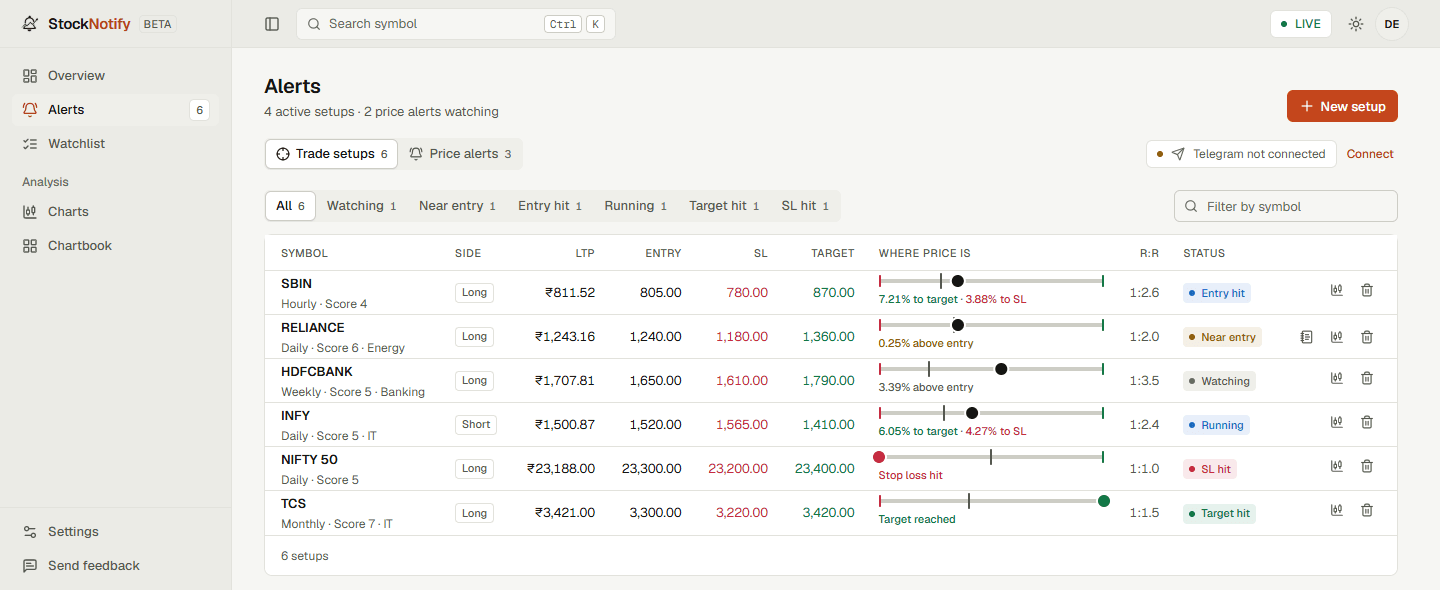
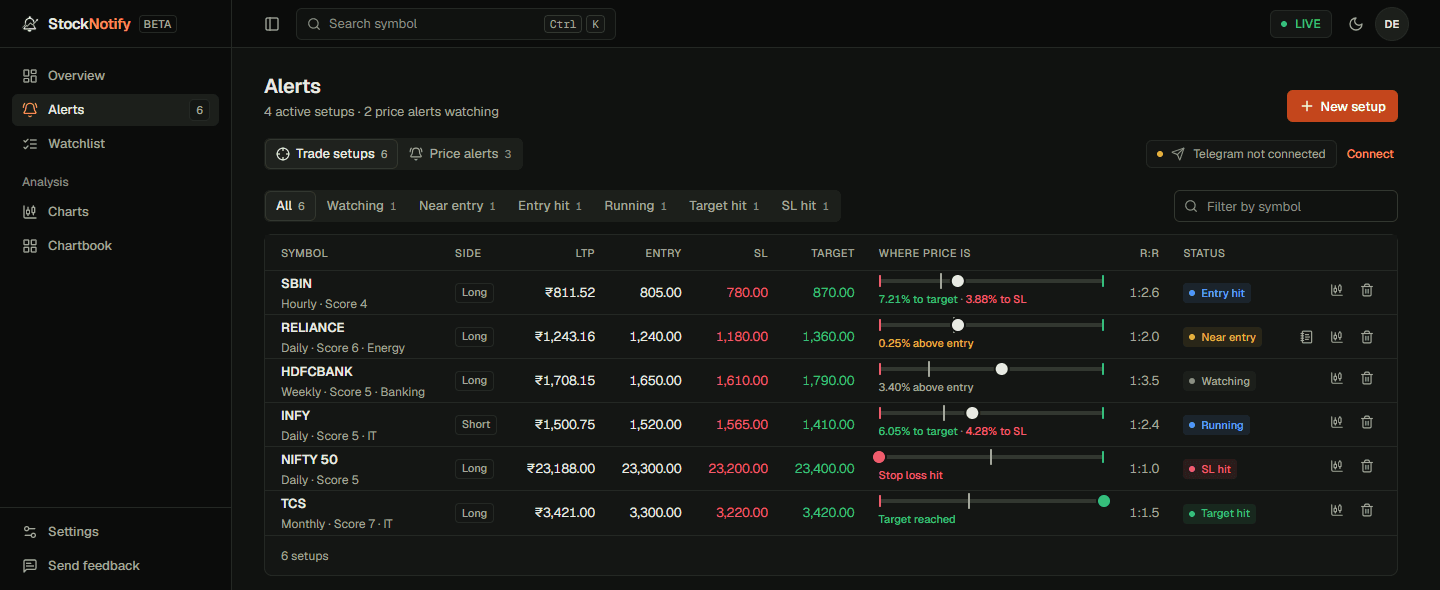
StockNotify dashboard showing a watchlist, recent alerts, stop-loss levels and target statusStockNotify dashboard in dark mode, with watchlists and recent alert statuses

Watchlists

Your stocks, organised for review.

Chartbook

More charts in a single scan.

MTFA & zones

Extra context for your chosen levels. Explore support and resistance zones.

You bring the conviction.
We bring the notification.

You’ve done the research. You know the level. StockNotify gives that decision a place to wait, so it doesn’t have to stay in your head all day.

You stay in control of the plan. We monitor the prices you choose.

Why we built StockNotify Monitoring support, not financial advice or trade execution.

A few things
worth knowing.

Visit the FAQ
What does StockNotify actually do?

StockNotify monitors stock price levels that you choose. When a level is reached, it sends an alert through Telegram or email so you can return to the setup and review it. It is built for Indian-market traders and investors.

Do I need to keep a chart open?

You can set your levels and let StockNotify monitor them without repeatedly checking the chart. Connect your notification channels so you can receive the alert. Delivery depends on market-data and notification providers; alerts are not a guaranteed execution system.

Can I follow entry, stop loss, and target?

Yes. You can define entry, stop-loss, and target levels and follow the status of your setup in the dashboard. You choose the levels and decide what to do when an alert arrives.

Is StockNotify free?

StockNotify is currently available as a free beta. Access, limits, and pricing may change before general release. The pricing page explains the current offer.

Does it give buy or sell recommendations?

No. StockNotify is a monitoring tool, not a broker, investment adviser, stock-tip service, or trading-signal provider. An alert is a prompt to review your own plan, not an instruction to trade.

An orange notification ticket with a bell symbol

Give your levels
a little attention.

Then get back to your day. We’ll let you know when it’s time to look.

Start monitoring freeFree during beta. See what’s included